Cloud Baby Monitor Review (2026): We Tested It Hands-On
· 10 min read
TL;DR. Cloud Baby Monitor is a $6.99 one-time iOS app that turns two iPhones into a peer-to-peer baby monitor. We tested it on two phones: it streams live video over Bluetooth even in airplane mode (no Wi-Fi, no cellular), has a genuinely full feature set, and is hard to beat on price. Its one real weakness is that the connection has no authentication — any device on the network can connect to a nursery.
Most "reviews" of Cloud Baby Monitor are written from the App Store description. We did something different: we installed it on two iPhones, paired them, and put the whole thing through a live teardown — including pulling the network out from under it in airplane mode to see what actually survives. This is what we found.
Disclosure up front: we make Tuck, a competing baby-monitor app. So we're going to be specific about where Cloud Baby Monitor is genuinely excellent — including where it beats us — and specific about its one real weakness. If we shade it, you'll catch us, because everything here is testable on your own two phones.
What Cloud Baby Monitor is
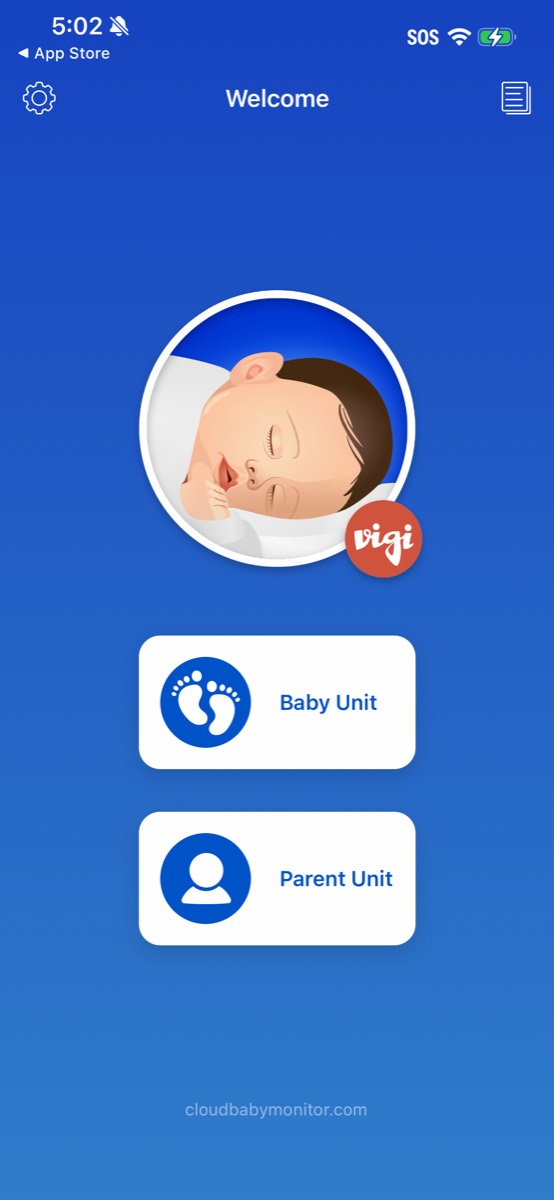
Cloud Baby Monitor (by VIGI Limited) is a one-time $6.99 paid app that turns two Apple devices into a baby monitor — one as the "Baby Unit" in the nursery, one as the "Parent Unit" you carry. There's no subscription. It's been in the App Store for over 14 years and holds 18,000 ratings at 4.8 stars, which is one of the strongest track records in the entire category, hardware or software.
It runs across the Apple ecosystem — iPhone, iPad, Mac, Apple Watch, Apple TV, and Vision Pro — with a separate one-time purchase per platform, plus an Android build. It's peer-to-peer: the two devices talk to each other directly, which is exactly why it can charge once instead of monthly. There's no media server in the middle to pay for.
Setup is frictionless — arguably too frictionless
You create an account with an email and password, then sign in with the same account on both devices to pair them. Start the Baby Unit on the nursery phone, open the Parent Unit on yours, and it finds the nursery and connects. The whole thing takes a couple of minutes.
One thing worth knowing: there's no authentication gate on the connection itself. The Parent Unit discovers a Baby Unit on the network and offers to connect — no login is required at the moment of pairing to a camera. In practice the risk is bounded (someone would need to be on your network or in Bluetooth range and know you use this app), but it's a real architectural gap we'll come back to.
It works offline over Bluetooth — including live video
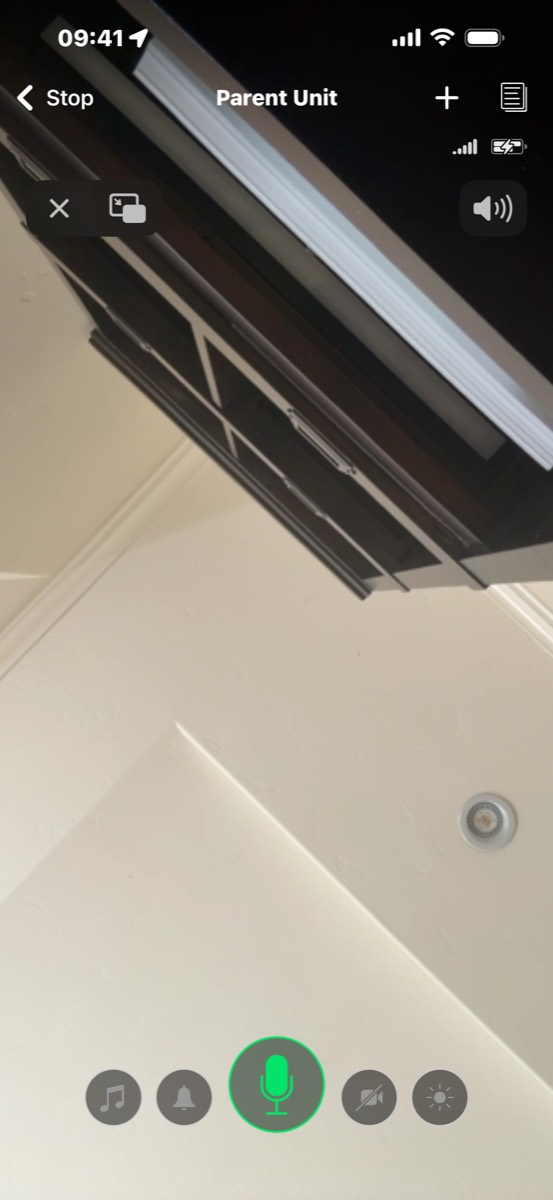
This is the part that surprised us. We expected the offline mode to be an audio-only fallback. It isn't. We put both phones in airplane mode — no Wi-Fi, no cellular — left only Bluetooth on, and the Parent Unit kept showing live video from the nursery. We confirmed it was genuinely Bluetooth and not Wi-Fi sneaking through.
With both phones in airplane mode and only Bluetooth enabled, Cloud Baby Monitor kept streaming live video. That's a real capability, not a marketing line.
It also handles network transitions gracefully: when we dropped Wi-Fi on the parent phone, the feed went dark for a few seconds and then reconnected over cellular. So Cloud Baby Monitor works on your home Wi-Fi, remotely over cellular, and fully offline over Bluetooth. For travel, off-grid cabins, or flights, that offline capability is genuinely useful.
Features: more than you'd expect for $6.99
The feature set is fuller than the price suggests. In hands-on testing we confirmed:
- Two-way video (not just two-way audio) — you can talk to and see your baby
- A soft, warm-amber night light displayed on the nursery phone, remotely dimmable from the parent side (not just a harsh camera flash)
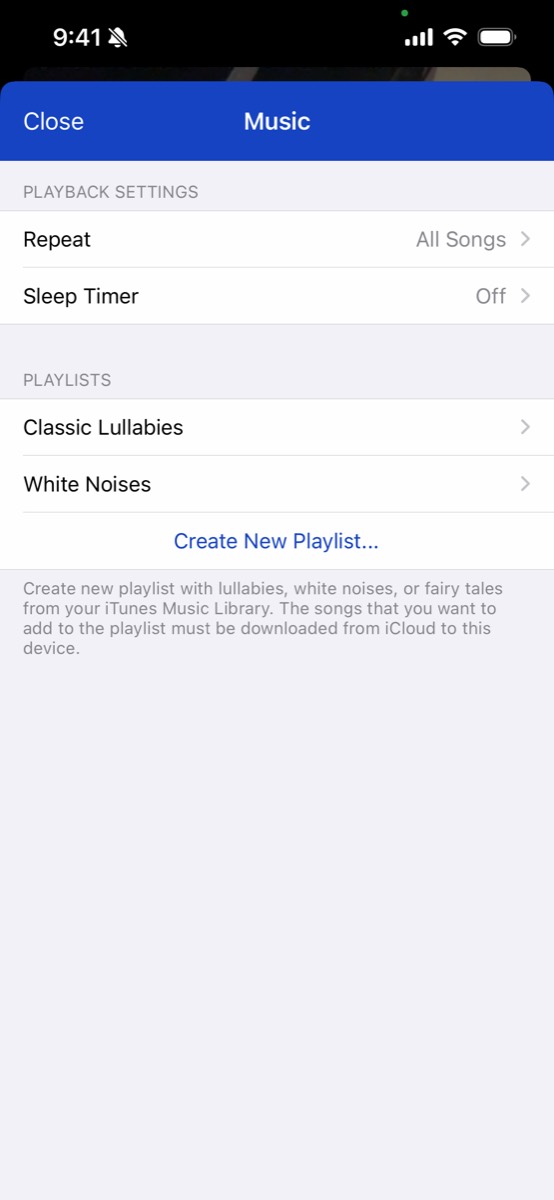
- A sound suite: three built-in classic lullabies, white noise, a sleep timer, repeat modes, and the ability to build custom playlists from your own music library
- Background monitoring (keeps running when the screen is off or you're in another app)
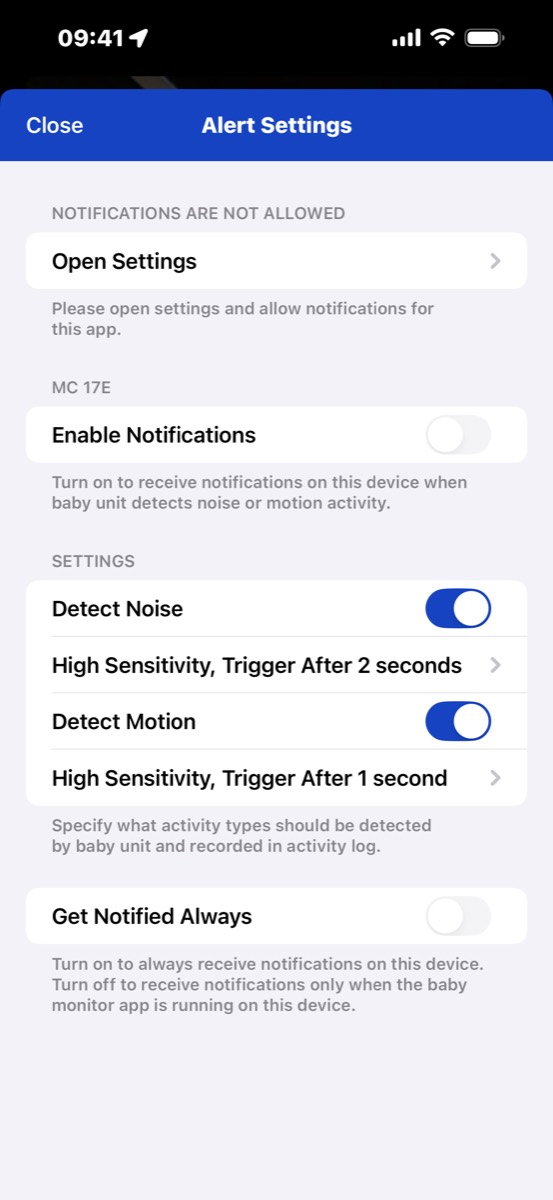
- Motion and sound detection with adjustable sensitivity and trigger delay
- An on-device activity log that keeps the 100 most recent snapshots from the past 24 hours
- Front/rear camera switching and a dimmed moon-and-stars display on the nursery phone so it doesn't light up the room

None of this is gated behind a subscription. You pay $6.99 once and it's all there.
The one real gap: no authentication
If we have a single reservation, it's this: the connection isn't authenticated. A device on your network (or in Bluetooth range) can discover and connect to a nursery unit without a login. The practical risk is limited by proximity — most people aren't letting strangers near their child's room or onto their home network — but there's no cryptographic barrier, and nothing stops another in-range device that knows the app from pairing to your nursery.
For a lot of families that's an acceptable trade for the frictionless setup. If hardened access control is a priority for you, it's the thing to weigh.
What it doesn't do
Cloud Baby Monitor is a polished classical monitor. The things it doesn't do are the things newer apps are built around:
- No AI scene understanding — it won't describe what's happening in plain language ("settled on her side, eyes closed")
- No written sleep diary or sleep-state summary — the activity log is a raw snapshot strip, not a narrative
- Only three built-in lullabies — beyond that you're bringing your own music
- No free family-viewer model — to let a grandparent watch, you share your account login rather than inviting them as a guest
- English-only, and no multi-baby support is the same as Tuck's gap there
Full disclosure on where our own app differs: Tuck adds AI scene captions that run entirely on-device (your nursery video is never sent to a cloud AI), a curated 16-track lullaby library across six moods with a fade-out sleep timer, a written morning sleep diary, an authenticated paired-device connection, and free guest access for grandparents and nannies. Tuck is also a $14.99/month subscription, not a one-time fee — so it only makes sense if those additions are things you actually want.
Who should buy it — and who should look elsewhere
Buy Cloud Baby Monitor if you want the cheapest credible monitor in the category, you're in the Apple ecosystem (especially if you want an Apple TV or Apple Watch as a parent unit), and you value a 14-year track record. The offline Bluetooth mode makes it a strong travel pick, and the one-time price is unbeatable.
Look elsewhere if you specifically want AI scene descriptions, a written sleep diary, a deeper curated lullaby library, an authenticated connection, or free guest accounts for family — none of which Cloud Baby Monitor offers.
Frequently asked questions
Does Cloud Baby Monitor really work without Wi-Fi?
Yes — and more fully than we expected. In our testing it streamed live video peer-to-peer over Bluetooth with both phones in airplane mode (no Wi-Fi, no cellular). It also works on home Wi-Fi and remotely over cellular.
Is Cloud Baby Monitor a subscription?
No. It's a one-time $6.99 purchase per Apple platform, with no subscription required for the core monitor. That's possible because it's peer-to-peer — there's no media server to fund.
Is Cloud Baby Monitor secure?
Its peer-to-peer design means there's no cloud server holding your video stream. The caveat is that the connection itself isn't authenticated: a device on your network or in Bluetooth range can discover and connect to a nursery without a login. The practical risk is bounded by physical proximity.
Does Cloud Baby Monitor have AI features?
No. It uses rule-based motion and sound detection but has no AI scene understanding, no sleep-state classification, and no written sleep diary. It's a well-built classical monitor without an AI layer.
How many lullabies does Cloud Baby Monitor have?
Three built-in classic lullabies, plus white noise and a sleep timer. You can extend it by building custom playlists from your own music library, but the bundled set is small.
Cloud Baby Monitor earns its 4.8 stars. It's cheap, mature, genuinely works offline, and does more than its price suggests — if it covers what you need, buy it without hesitation. We tested it precisely because it's the app we respect most in the category, and we'd rather tell you the honest truth than pretend our own app (Tuck) wins on every axis. It doesn't. Where Tuck differs is authenticated pairing, on-device AI, a deeper curated lullaby library, and free family viewers — and whether that's worth a subscription is a call only you can make.
Try Tuck
Tuck is two iPhones running an app — no hardware to buy, a curated lullaby library with a fade-out sleep timer, and offline Bluetooth so the monitor works on planes and in hotels. $14.99/month or $99.99/year (save 44%) with a 14-day free trial — one plan, everything included.